
Presenting: The PPTX.ai Blog

Use AI to build and deliver amazing presentations.

Write Slides in Markdown

Write Slides in Markdown

Every content slide is plain Markdown. Open a slide and press **Edit**, and you see the text exactly as it's stored: a `#` before the title, a `-` before each point. There are no text boxes to drag around and no hidden formatting that only the assistant knows how to change.
Polls and Quizzes Now Live Inside Your Slides

Polls and Quizzes Now Live Inside Your Slides

Ask your audience a question in the middle of your talk. They answer on their phones, and the results appear on the slide behind you.

We Rebuilt PPTX.ai

We Rebuilt PPTX.ai

PPTX.ai still writes your slides for you. Now it can also mix in polls and quizzes, and run the presentation live while your audience answers on their phones.

Create a Presentation From Your Dissertation

Create a Presentation From Your Dissertation

Turn a dissertation, thesis or capstone project into a talk you can give: the argument in order, the key numbers on their own slides, and your notes where only you can see them.

Präsentationen mit KI auf Deutsch erstellen

Präsentationen mit KI auf Deutsch erstellen

Mit PPTX.ai erstellen Sie Präsentationen auf Deutsch – Folien, Umfragen und Quizfragen, aus einem Satz oder einem PDF. Ihr Publikum antwortet live auf dem Handy.

Turn a Word Document Into a Presentation With AI

Turn a Word Document Into a Presentation With AI

Have a report or proposal in Word and a meeting coming up? Here's how to turn it into slides with PPTX.ai, plus polls and a quiz if you want to hear from the room.

Use AI to Create Lecture Slides and a Quiz From a PDF

Use AI to Create Lecture Slides and a Quiz From a PDF

Turn a chapter or a reading into lecture slides, with quiz questions placed where they check understanding. Your students answer on their phones, and you see straight away who followed.

Can ChatGPT Make a PowerPoint?

Can ChatGPT Make a PowerPoint?

Yes, ChatGPT can help you make a PowerPoint, and it's very good at the outline. Here's what it does well, where it stops, and when a tool built for presenting to a room is the better fit.

Turn a PDF or Word Document Into a Presentation With AI

Turn a PDF or Word Document Into a Presentation With AI

Give PPTX.ai a report, a paper or a set of notes as a PDF, and get back slides, poll questions and a quiz written from it, ready to present.

Create Speakers Notes for PowerPoint Presentations Using AI

Create Speakers Notes for PowerPoint Presentations Using AI

Use AI to create speakers notes for a presentation. Sometimes finding the right words to say while delivering a presentation can be difficult. What style should you use? How should you break up the message you want to convey for each slide? How much should you say on each slide?

Make AI Presentations Match Your Brand

Make AI Presentations Match Your Brand

You don't need a template file to get on-brand slides. Describe your colours and fonts, and PPTX.ai designs every slide, poll and quiz to match.

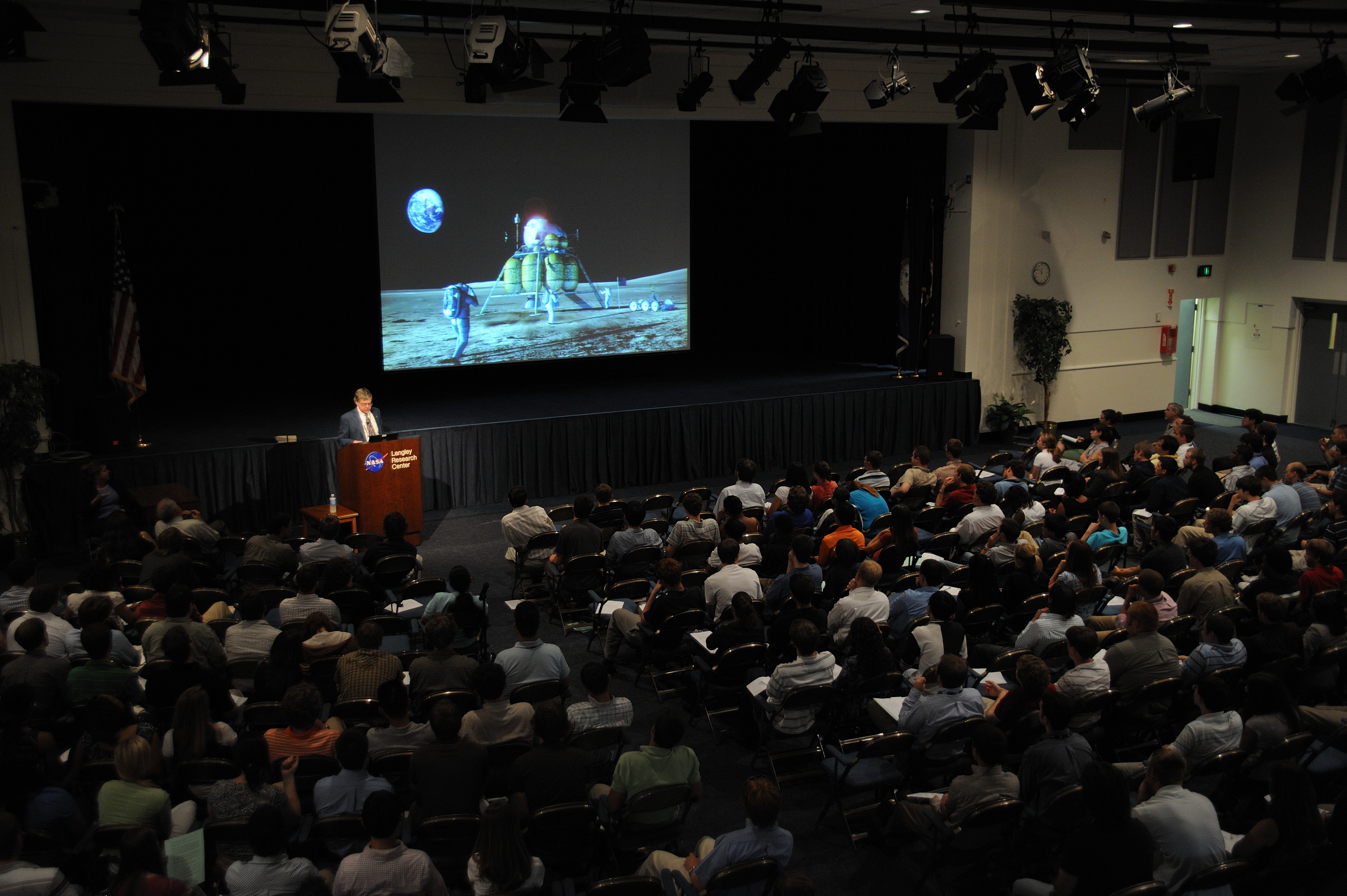
10 Tips for Presenting to a Large Audience at a Conference

10 Tips for Presenting to a Large Audience at a Conference

A big room is harder to read and easier to lose. Ten practical ways to keep a conference audience with you, from the first minute to the last slide.